365 Days
Visualize Your Daily Progress with Intelligent Wallpaper
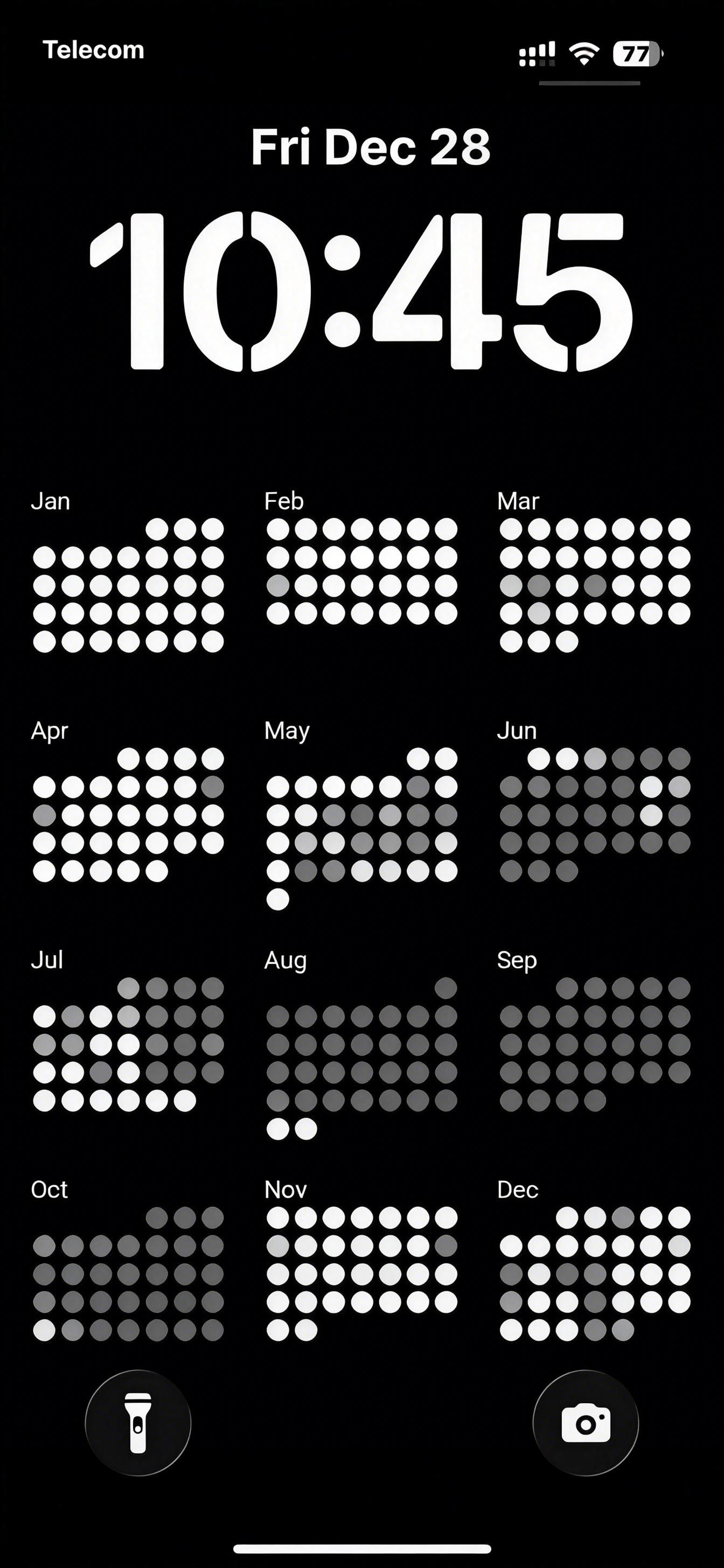
Track Progress Every Day
Transform your iPhone's lock screen into a powerful motivation tool that shows your entire year of achievements at a glance.
Visualize Your Daily Progress with Intelligent Wallpaper
Transform your iPhone's lock screen into a powerful motivation tool that shows your entire year of achievements at a glance.
If you are viewing this page directly from your iPhone, please tap the "Install Free Version" button below. Your iPhone will prompt you to add this "365 Days" shortcut into Shortcuts app.
Install Free VersionIf you are viewing this page from PC or Pad, please scan the QR code with your iPhone to install.
Note: After installation, it will be shown as the first shortcut with name as "365 Days" in your Shortcuts app's "Library" tab.
Now you'll have a dedicated app icon "365 Days" on your home screen!
Now simply double-tap the back of your iPhone to trigger the shortcut "365 Days"!
Note: only works on iPhone 15 and later models with the physical Action Button.
Now you can simply press and hold the Action Button on your iPhone to trigger "365 Days"!
Now you can trigger "365 Days" by tap it in Control Center!
When you use "365 Days" for the first time, you will be prompted to grant some permissions to allow "365 Days" to perform some actions on your iPhone.
Please select "Allow" or "Always Allow" for all the following permission request:
Regardless of which launch method you used to trigger "365 Days", you will feel a vibration and then you just need to:
Your lock screen wallpaper will automatically update to show your updated yearly achievement including today!
If you have any questions, suggestions, or need help, please feel free to contact us by email.
Email: support@blessingsender.com